


Knowledge Needs a Safety Net
Every TechEase membership now includes Aura's award-winning digital protection. Identity monitoring, $1M insurance and 24/7 phone support from U.S.-based fraud specialists. A note on why awareness alone is not enough, and what changes for our members starting this month.

2025 FBI Elder Fraud Report: $7.7 Billion in Senior Losses
In 2025, the FBI received more than one million cybercrime complaints for the first time ever. Adults 60 and older accounted for $7.7 billion in losses — nearly 60% more than the year before. This is a breakdown of the data, the scams driving it, and the practical steps that actually reduce risk for older adults and the families who love them.

The New Resident Experience: Building Senior Community in a Digital World
Community in senior living isn't just what happens in the common room anymore. It happens when a resident figures out how to pay a bill online without asking anyone for help. That moment, quiet and private, is one of the most confidence-building things that can happen to a person in their 70s or 80s. Your residents didn't stop wanting connection. The world just added a new layer to it, and most of them never got a proper introduction. Here's what that means for your community, and what you can do about it.
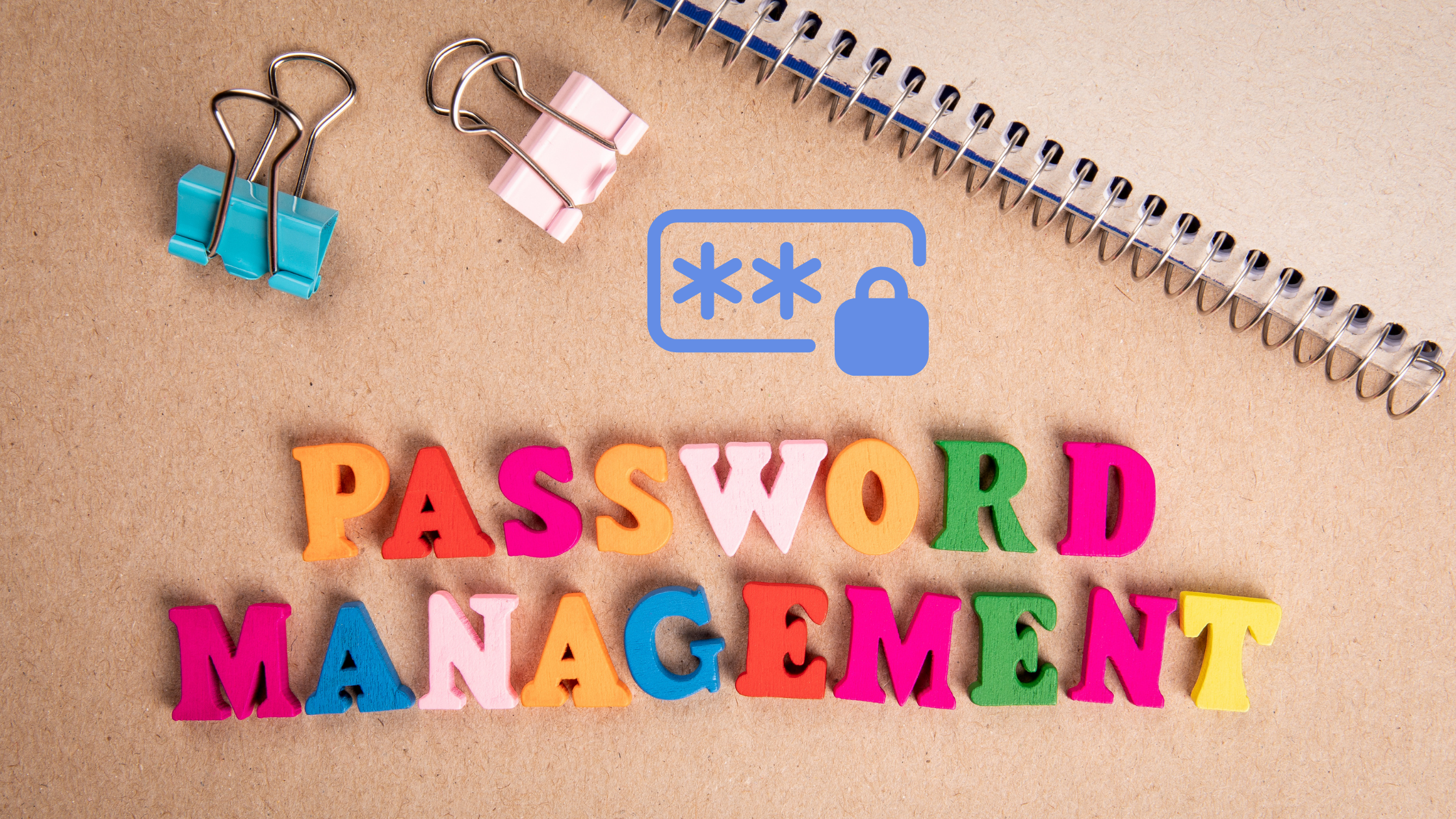
What Is a Password Manager
Tired of forgetting passwords or writing them on sticky notes? A password manager is like a locked digital notebook that safely stores all your passwords and fills them in for you automatically. Tools like NordPass, 1Password, RoboForm, Apple Keychain, and Google Password Manager all do this same helpful job — they make using the internet easier, safer, and far less stressful, especially for seniors who just want things to work without the hassle.

The Complete Guide to Safety Technology for Aging Adults
When we talk with families about keeping their aging parents safe and connected, we hear the same concerns repeatedly. How do we know if Mom falls? What if Dad gets lost driving? How can we protect them from scammers without taking away their independence?
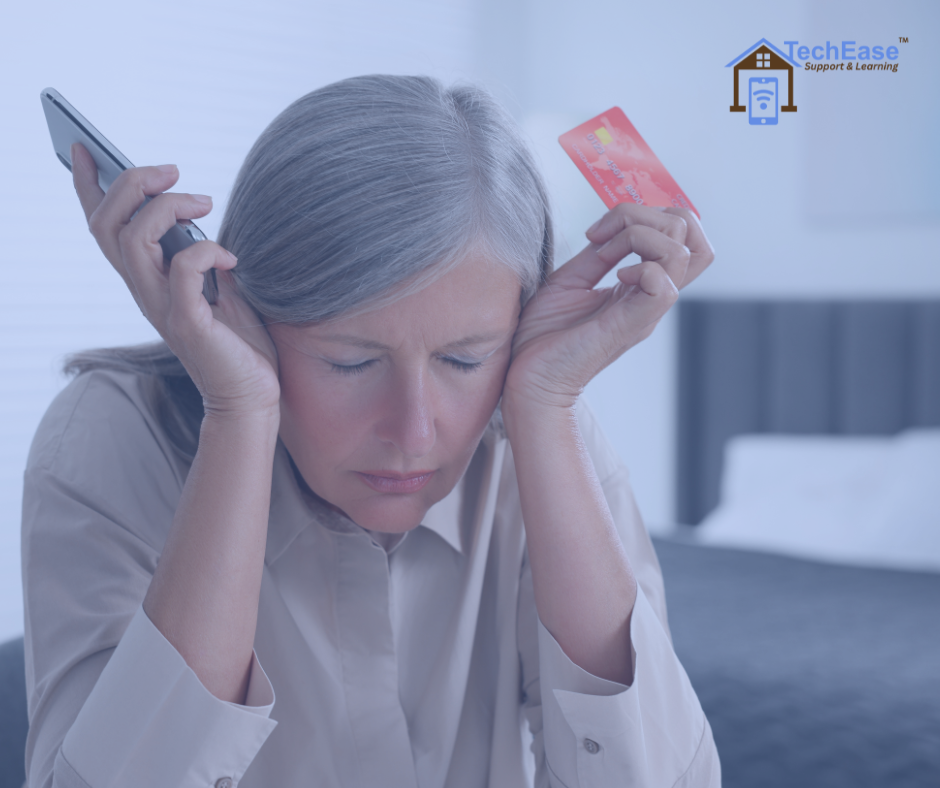
How to Talk to Your Parents About Online Scams
You know the feeling. Your mom mentions she got an email from "Microsoft" asking her to call a number immediately. Your stomach drops. You want to help, but you also don't want to sound like you're treating her like a child who can't handle her own affairs.
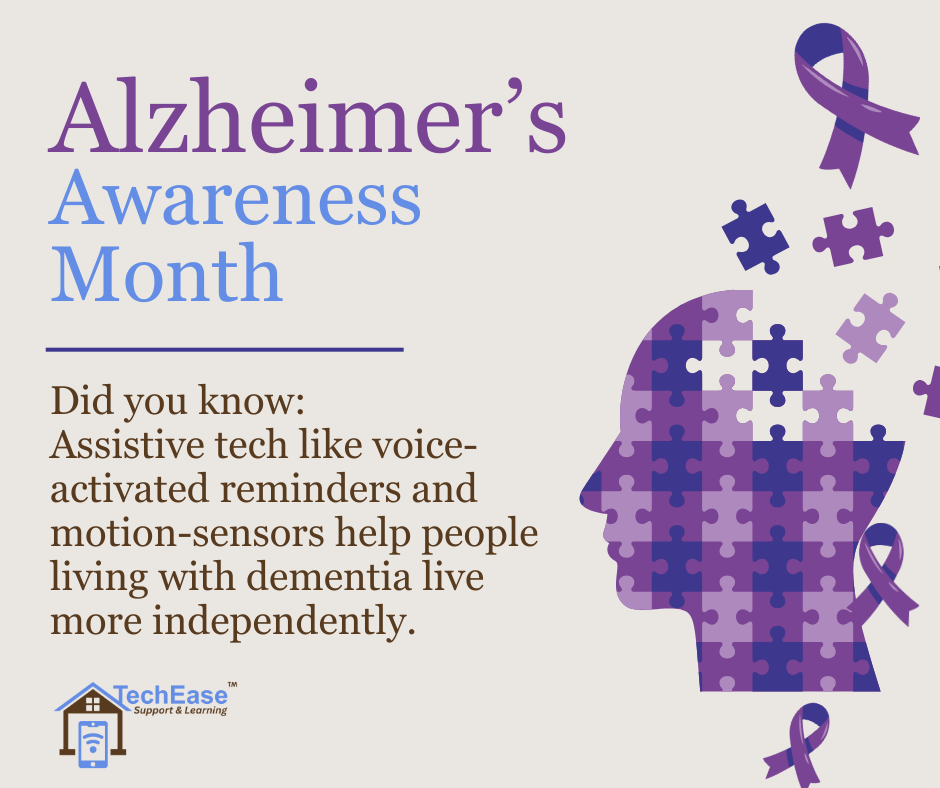
November is Alzheimer’s Awareness Month
At TechEase, we work closely with seniors and caregivers every day — and we understand how overwhelming technology can feel when memory challenges are involved. Our mission is to make tech simple, safe, and stress-free for both parents and the families who support them.

TechEase Empowers Seniors Against Scams — The VA Overpayment Alert
At TechEase, we’re committed to helping seniors and veterans feel confident and safe in today’s digital world. As we honor those who have served, it’s important to highlight a growing threat targeting veterans — the VA Overpayment Scam.

The Hidden Cost of Digital Literacy: Why Half of Our Seniors Are Struggling in Silence
Over half of seniors own smartphones, tablets, and smart TVs they can’t fully use. The issue isn’t access—it’s confidence. At TechEase, we bridge that gap with patient, in-home support that helps older adults reconnect with the people and technology they love.

Should Your Senior Parents Get a Smart Doorbell? Here’s What You Need to Know
A smart doorbell isn’t just a gadget. It’s a helpful tool that can make daily life easier and more secure. With the right setup and support, it can bring your parents and your family a little more peace of mind every day.

10 iPhone Settings Every Senior Should Change Today
You don’t need to be a tech expert to make your iPhone work better for you. These small changes can make your phone easier to see, hear, and use every day.

Tech Help for Your Parents (So You Don’t Have to Be the “Family IT Support” Anymore)
Tech support shouldn’t come between family time. As our parents get older, technology can become more confusing and frustrating for them—and more time-consuming for us to help them from a distance.

Setting Up New Devices: No More Guesswork or Frustration
Did you just buy a new smartphone, tablet, computer, or smart TV? Or maybe you received one as a gift and now it is sitting in the box because you are not sure where to start.

Accessibility Settings: Making Your Devices Easier to Use
Struggling with small text, low screen brightness, or hard-to-find buttons? The good news is that most smartphones, tablets, and computers come with built-in accessibility settings that can make your device more comfortable to use.

Smart Home Devices That Are Actually Senior-Friendly
Smart Home Devices That Are Actually Senior-Friendly

Common Tech Issues Seniors Face
Here are some of the most common tech frustrations we help seniors with every day.

Password Tips For Seniors
Password Tips for Seniors: Simple Ways to Stay Secure Without Going Crazy